Step 1: Log into cPanel
Step 2: Scroll down to Software section and click Select PHP Version

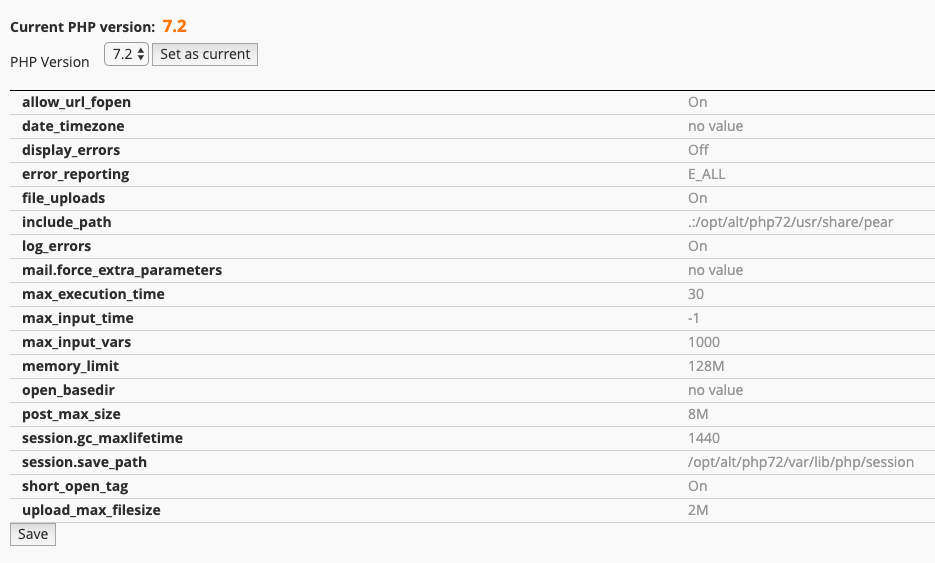
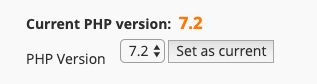
Select the required version of PHP from the drop down and click Set as Current.
 Once the PHP Selector is enabled, you can modify many PHP directives including, execution time, maximum upload size, error reporting, memory limit and more.
 Simply click Switch to PHP Setting you wish to adjust and hit Save.