

- Log in to your cPanel service.
- Go to the Error Log icon.
- This will list the last 300 errors.
- Log in to your cPanel service.
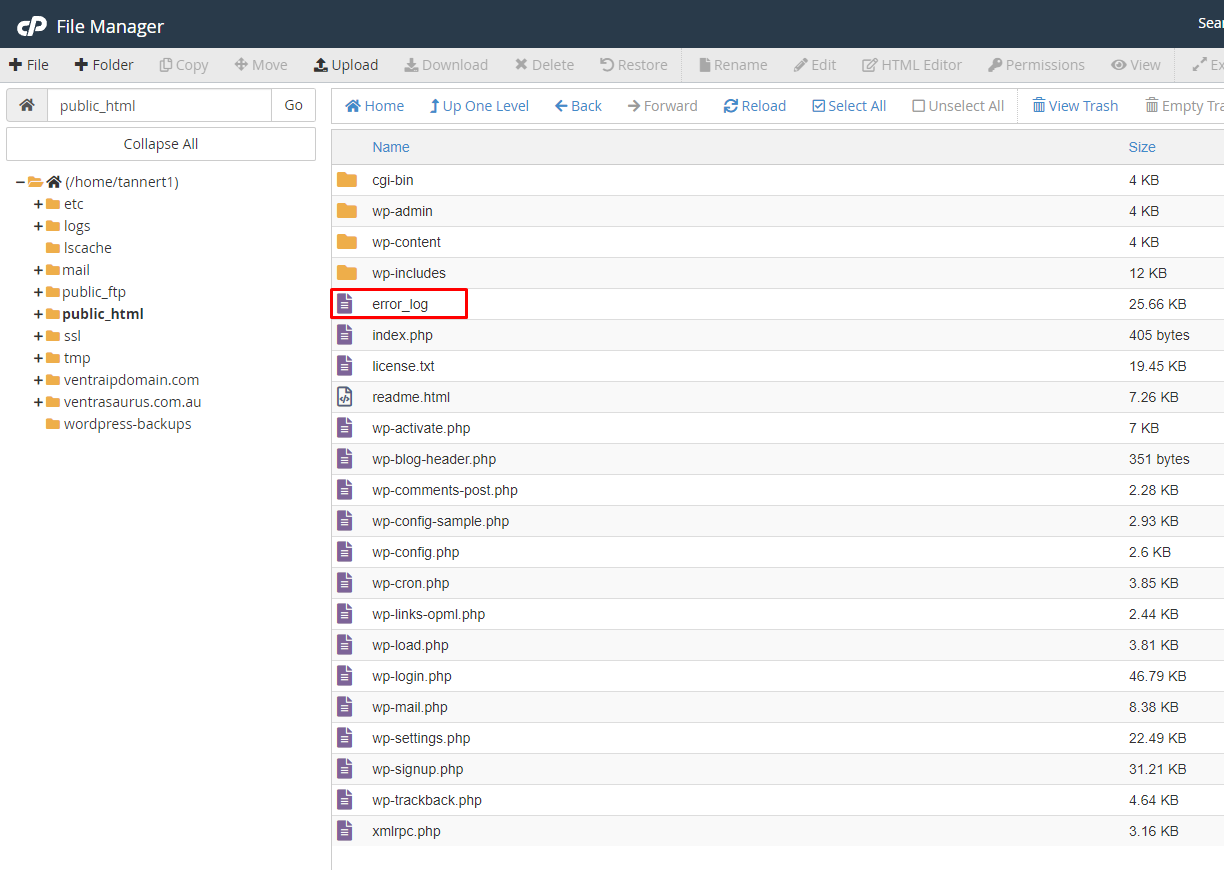
- Open File Manager.
- Locate and open error_log by right clicking and selecting View.
 This may not always list all errors, so if this doesn’t turn up any clues, you may lodge an eTicket for further assistance.